
Creating Your Account & Signing In
Creating a LegitGrails account takes just a few steps. You can sign up using your email address, Google account, or Apple account.
Create a new account
Option 1: Sign up with your email address
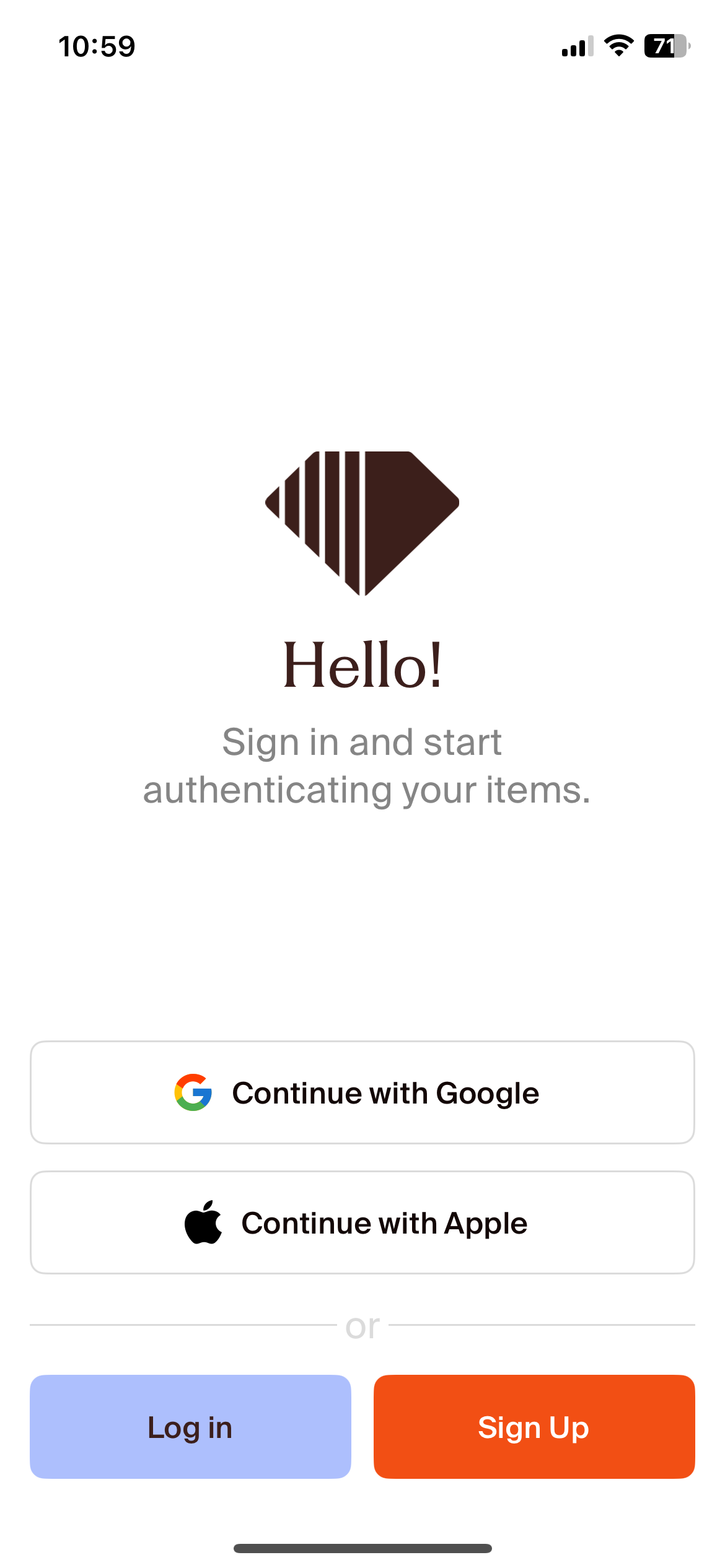
Open the LegitGrails app and tap Sign Up.
Enter your email address.
Create a password. Your password must contain:
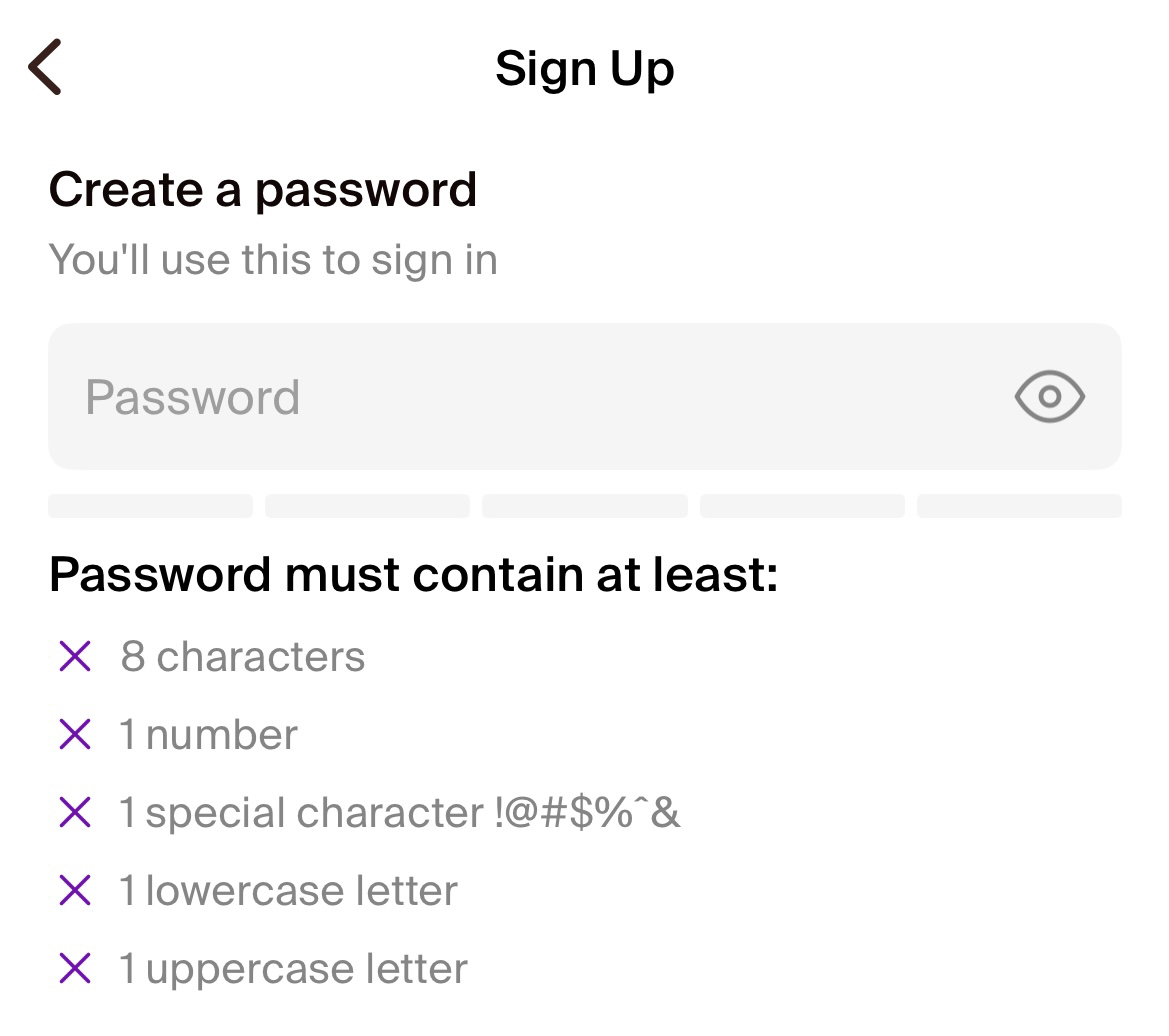
At least 8 characters
At least 1 uppercase letter
At least 1 lowercase letter
At least 1 number
At least 1 special character
Tap Sign Up.
Check your email for the verification code and enter it in the app.
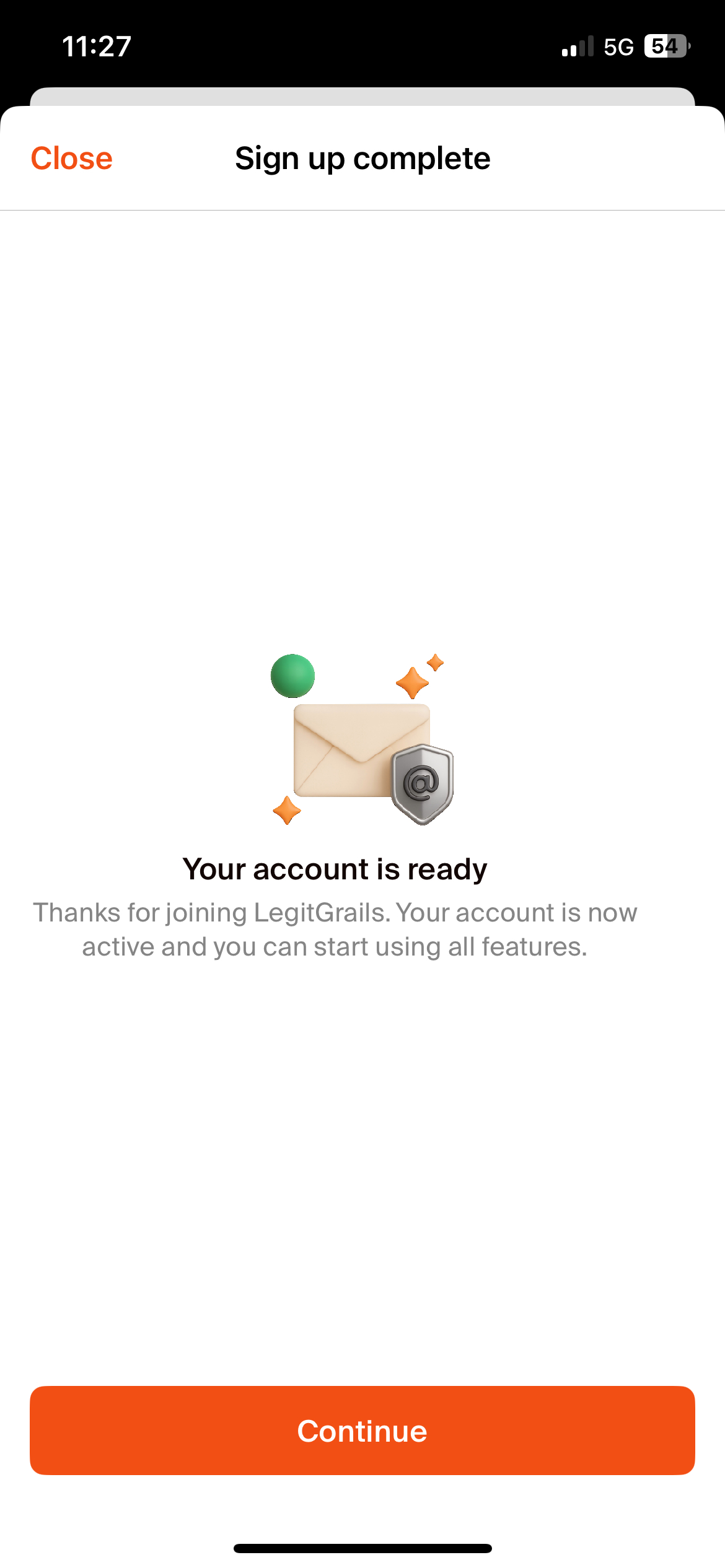
Once your email is verified, your account is ready to use.
Didn't receive your verification code?
Check your spam or junk folder first. If you still can't find the email, make sure you entered the correct email address and try requesting a new code.
Option 2: Continue with Google or Apple
You can create your LegitGrails account using your Google or Apple account without creating a separate password.
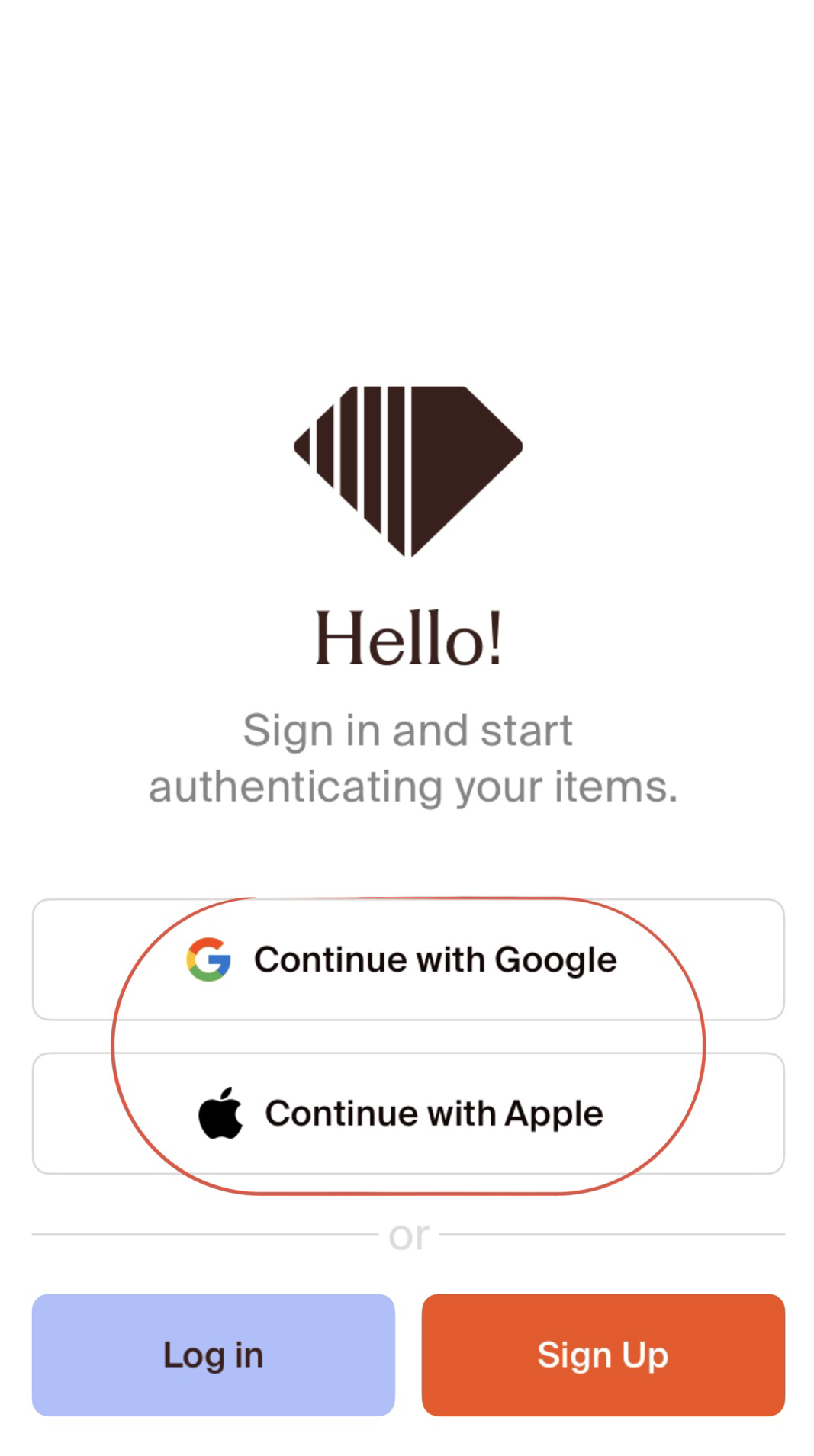
For Google;
Tap Continue with Google.
Select the Google account you'd like to use.
Follow the prompts to authorize the sign-in.
Your LegitGrails account will be created and linked to your Google account.
On iOS, you can also sign up using your Apple account.
Tap Continue with Apple.
Authenticate using Face ID, Touch ID, or your Apple ID password.
Choose whether to share your email address or use Apple's Hide My Email option.
Confirm to complete the sign-up process.
If you choose Hide My Email, Apple may provide LegitGrails with a private relay email address instead of your personal email address. This is normal and allows you to keep your personal email private.
Already have an account?
Tap Log In on the welcome screen.
If you created your account with an email address and password, enter those details and tap Log In.
If you signed up with Google, select Continue with Google and use the same Google account.
If you signed up with Apple, use Continue with Apple and the same Apple account.
Important: If you originally created your account using Google or Apple, use the corresponding sign-in option rather than trying to create a separate password for the account.
Having trouble signing in?
If you're unable to access your account, double-check that you're using the same email address or sign-in method you used when creating the account. If you still can't sign in, contact our Support Team for assistance.