
Finding Your Way Around the App
The LegitGrails app is organized into a few main sections, making it easy to start a new authentication, check your existing orders, view your balance, and manage your account.
The Homepage
The Home tab gives you an overview of your LegitGrails activity and provides quick access to your most-used features.
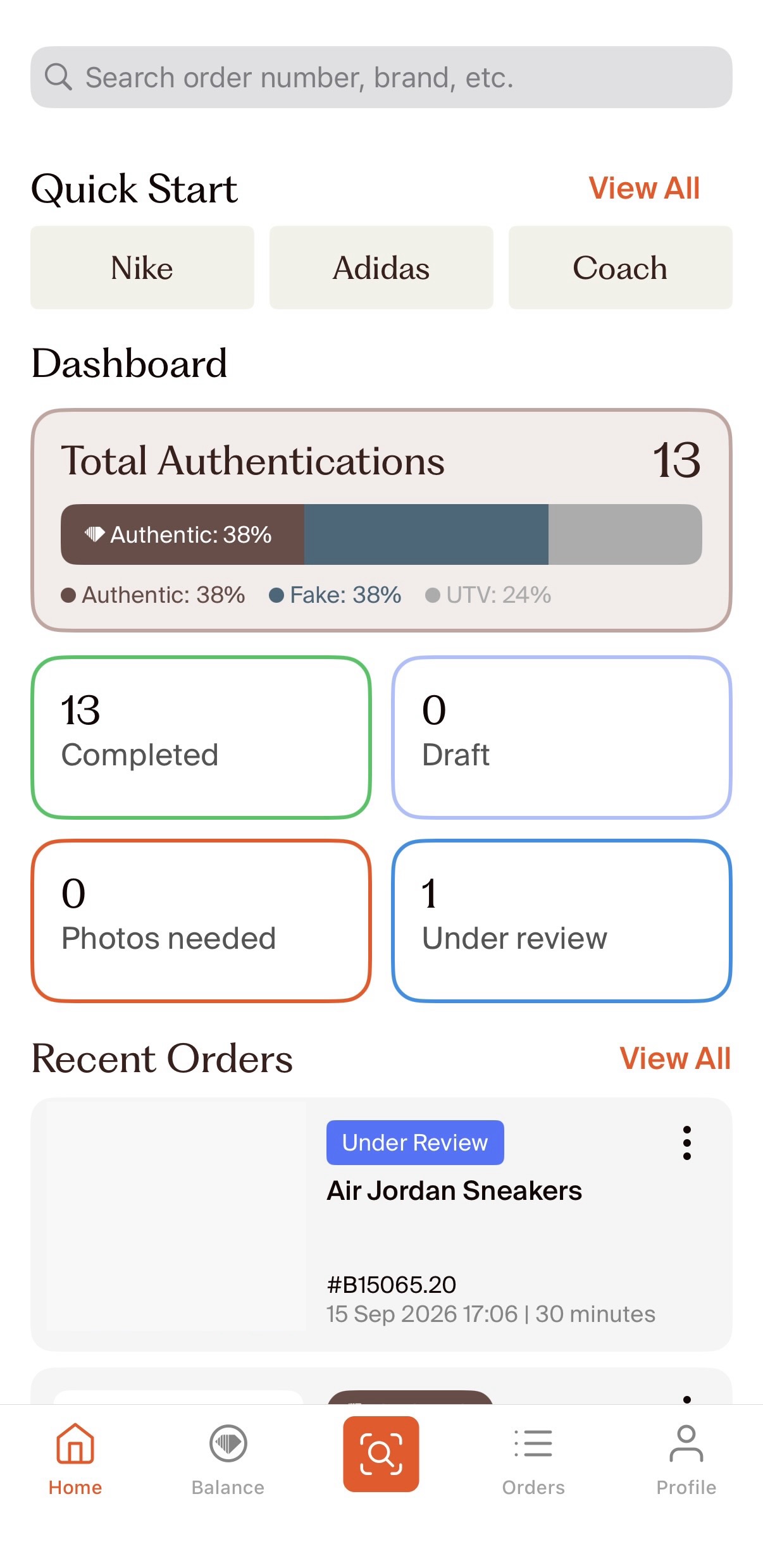
Search Bar
Use the Search bar to quickly find an order instead of scrolling through your order history. You can search using information such as an order number, brand, date, or timeframe.
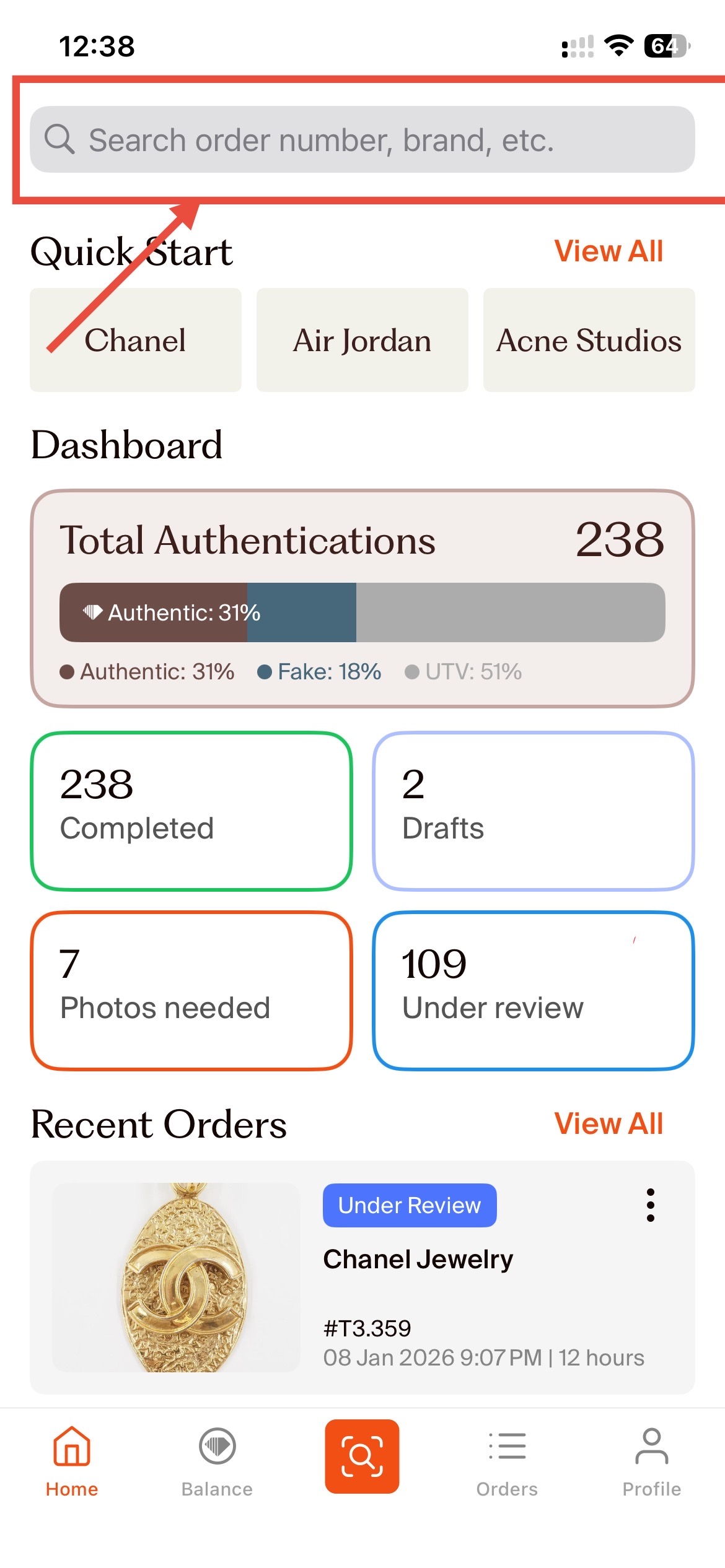
Quick Start
The Quick Start section lets you begin a new authentication request without having to navigate through the app.
Tap a featured brand to start an authentication for that brand.
Tap View All to browse the full list of supported brands.
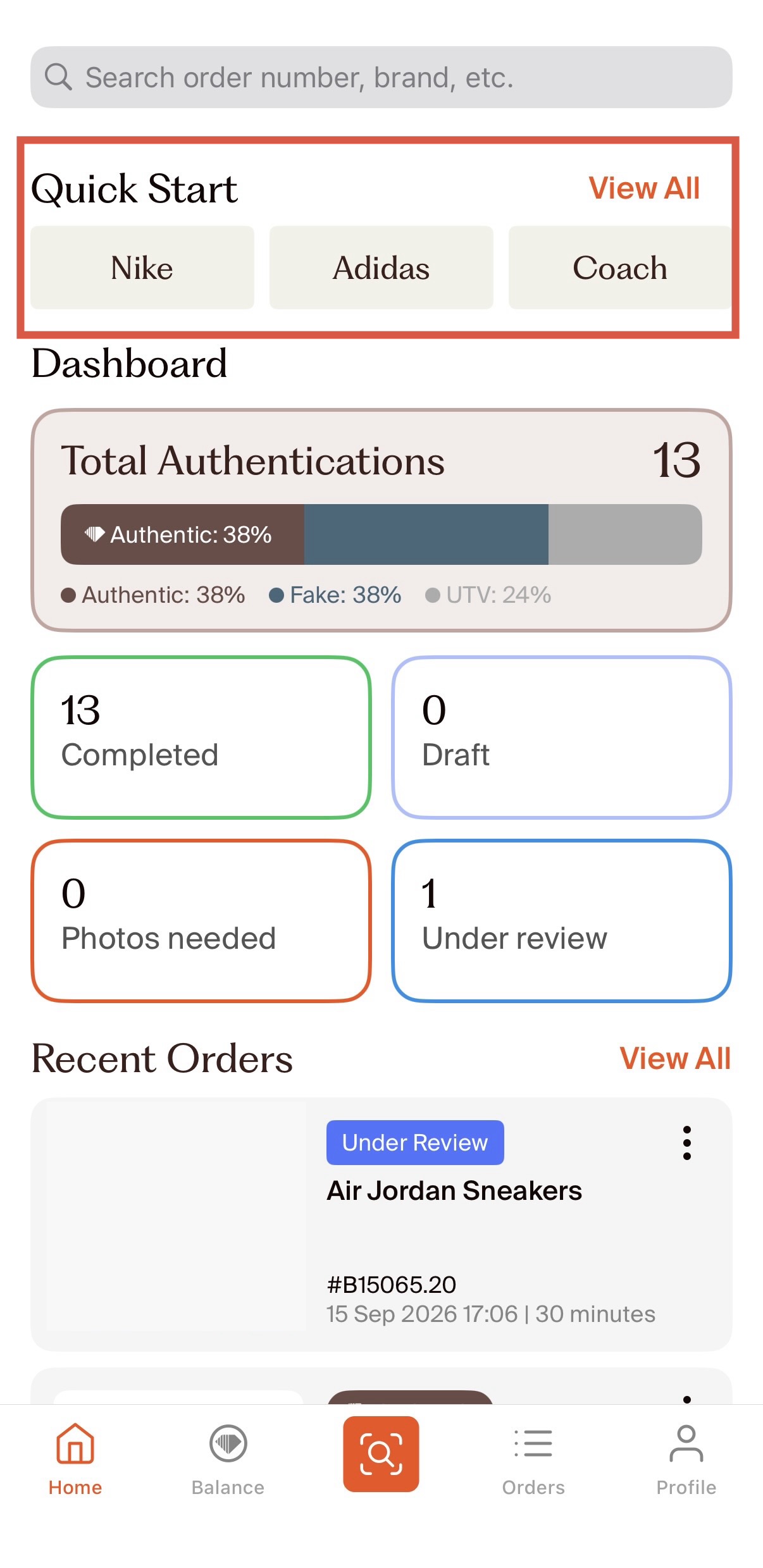
Dashboard
The Dashboard gives you a quick overview of your authentication activity. Depending on your account activity, you may see information such as:
Total authentications
Completed orders
Drafts
Photos needed
Orders under review
These figures can help you quickly see which orders may need your attention.
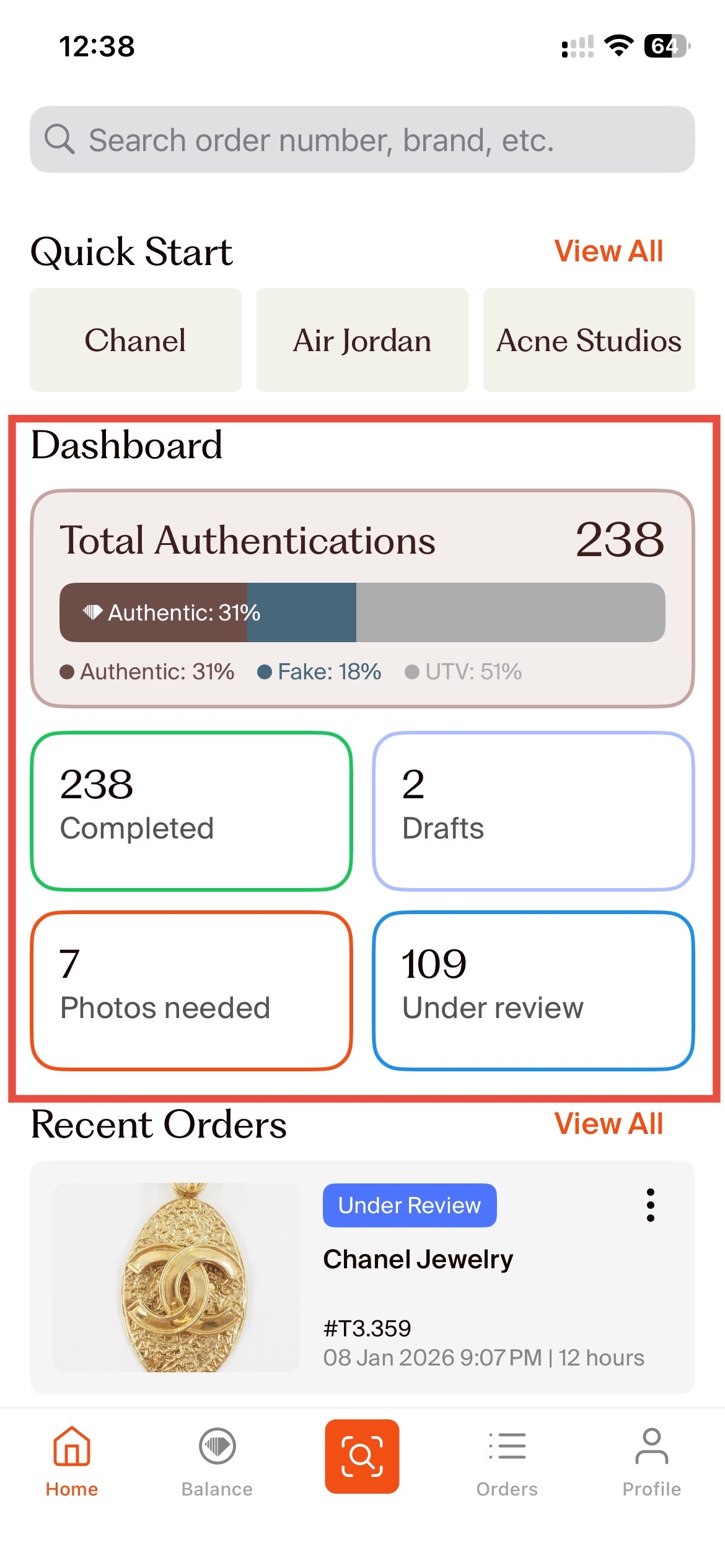
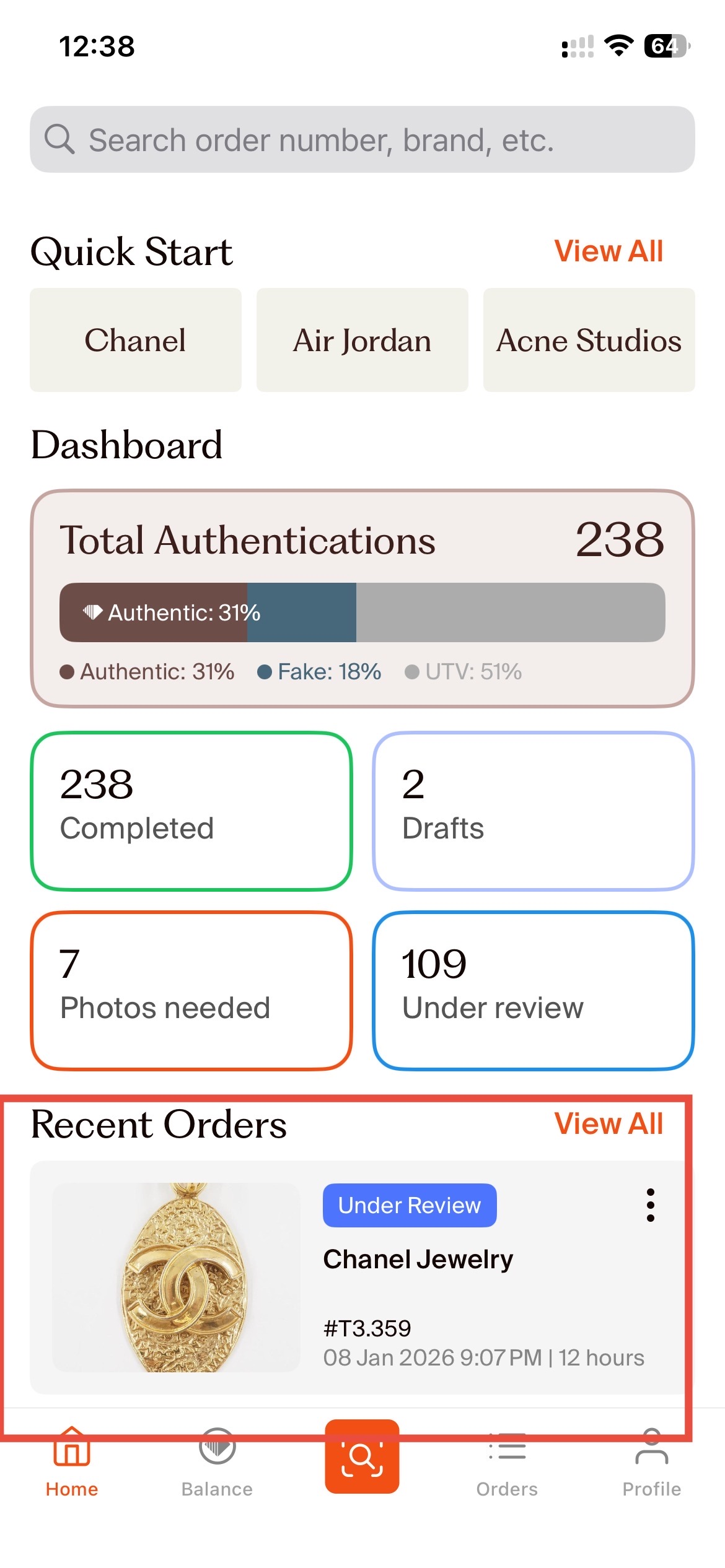
Recent Orders
The Recent Orders section shows your latest authentication orders and their current status.
Tap an order to open it and view more details.
The Menu Bar
The navigation bar at the bottom of the app gives you quick access to the main sections of your account.
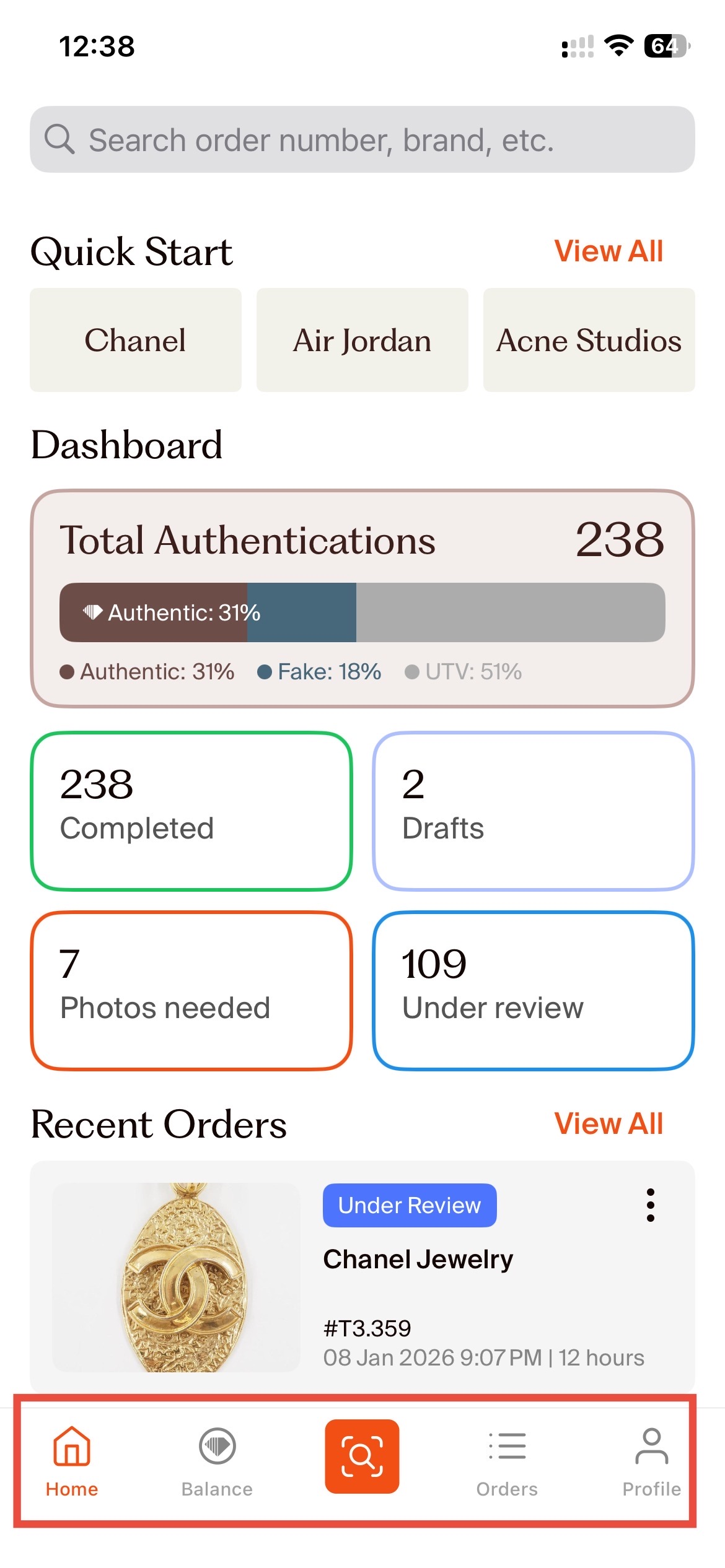
Home: Your activity overview, including your search, Quick Start, Dashboard, and recent orders.
Balance: View your available credit balance and loyalty status.
Authentication: Tap the orange authentication icon to start a new authentication order.
Orders: View and track the authentication orders you've placed. You can use this section to check the status of your orders and open individual orders for more details.
Profile: Manage your account and access your profile and account settings.
Not sure where to go?
Want to authenticate an item? Tap the orange Authentication icon.
Looking for an existing order? Use Search or open Orders.
Want to check your credits or loyalty status? Open Balance.
Need to update your account or settings? Open Profile.