
Account Settings
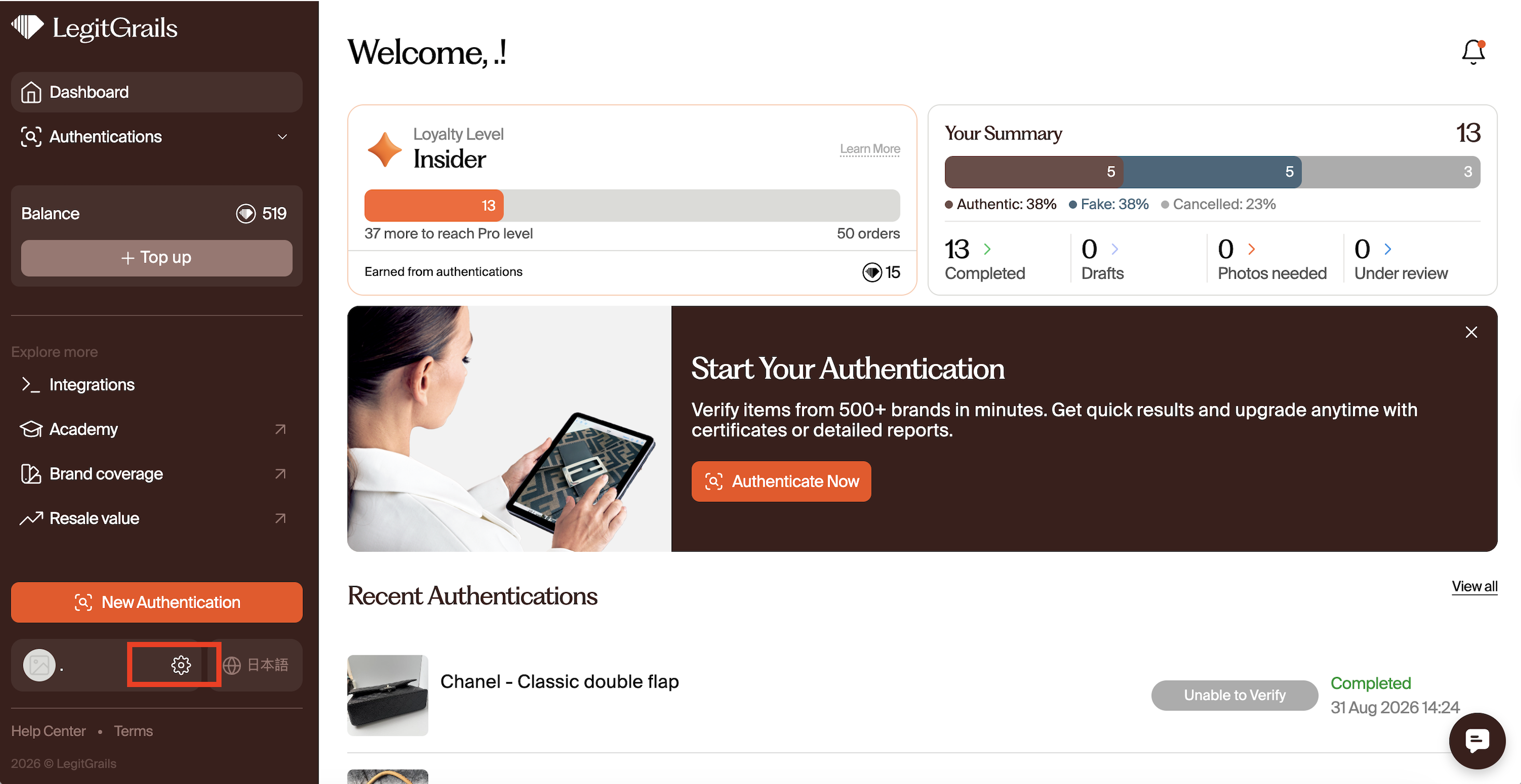
After logging in to account.legitgrails.com, you can access the settings page in your profile. This article provides an overview of how the settings work and what adjustments you can make.
To open the settings, press this icon next to your name:
General Info
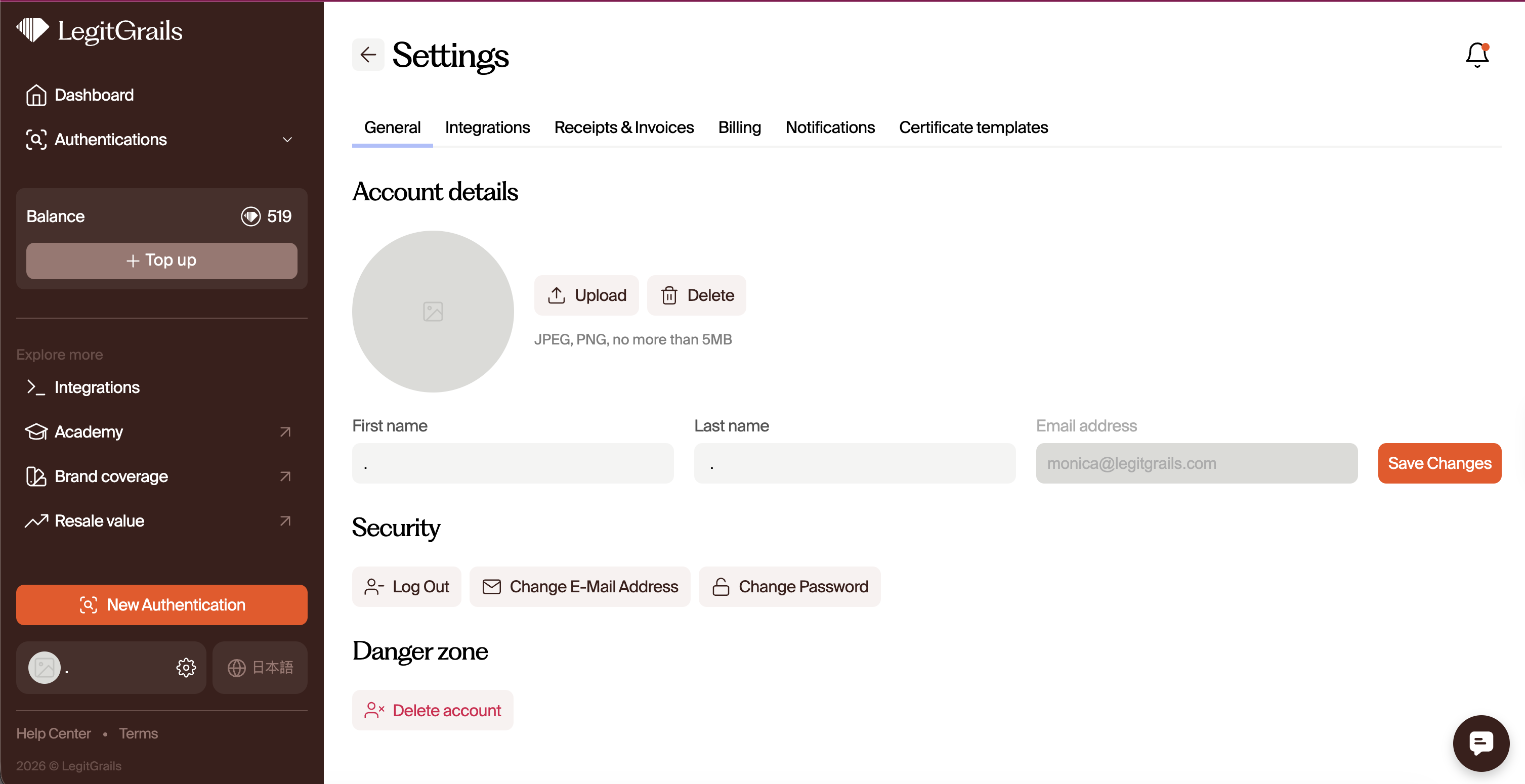
In the General Info section, you can:
Change your name and surname
Update your profile picture
View your linked email address
Change your email address
Change your password
After making any changes, don't forget to click the "Save Changes" button.
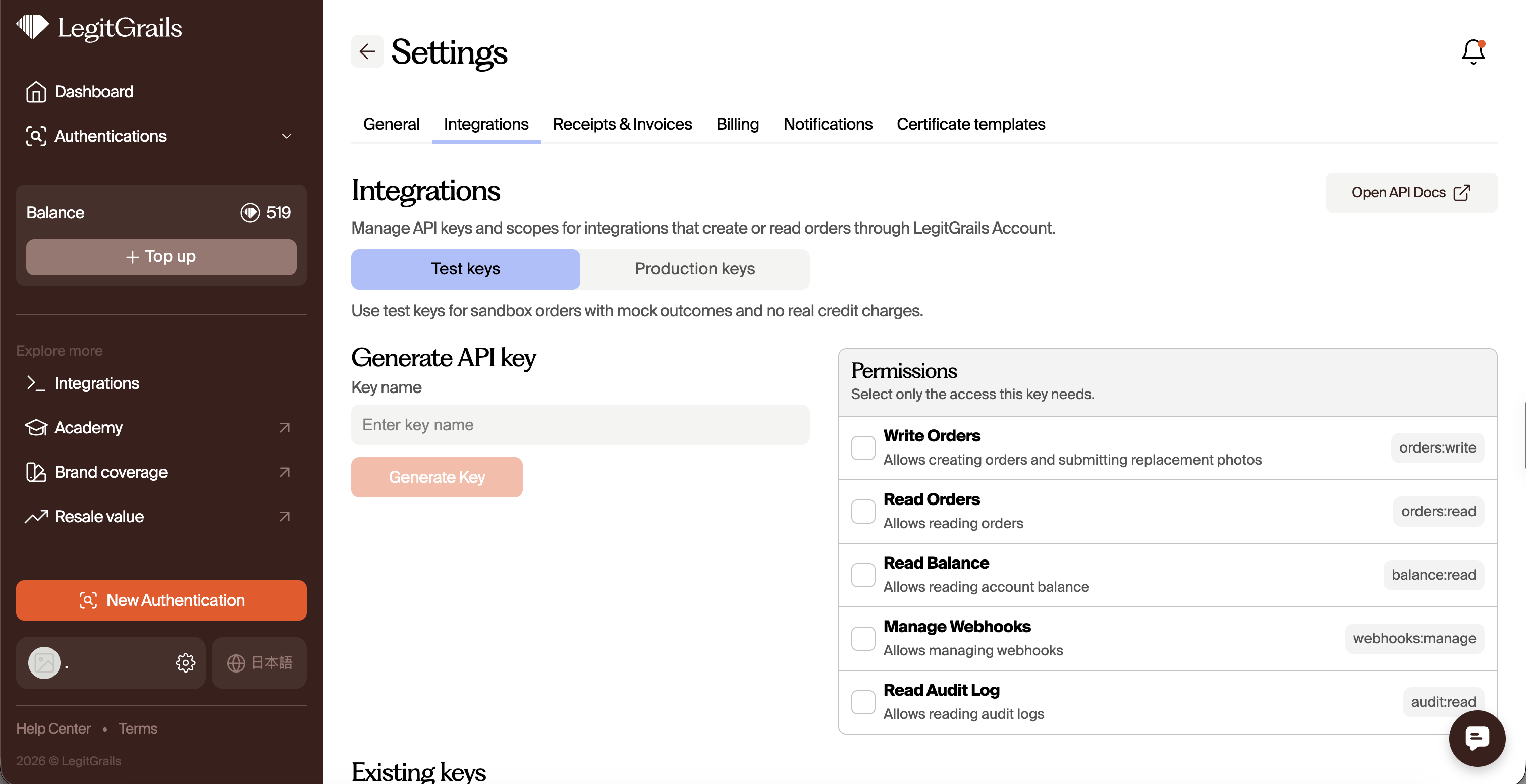
Integrations
Here, users can create and revoke API keys, set access permissions, and manage test and production environments.
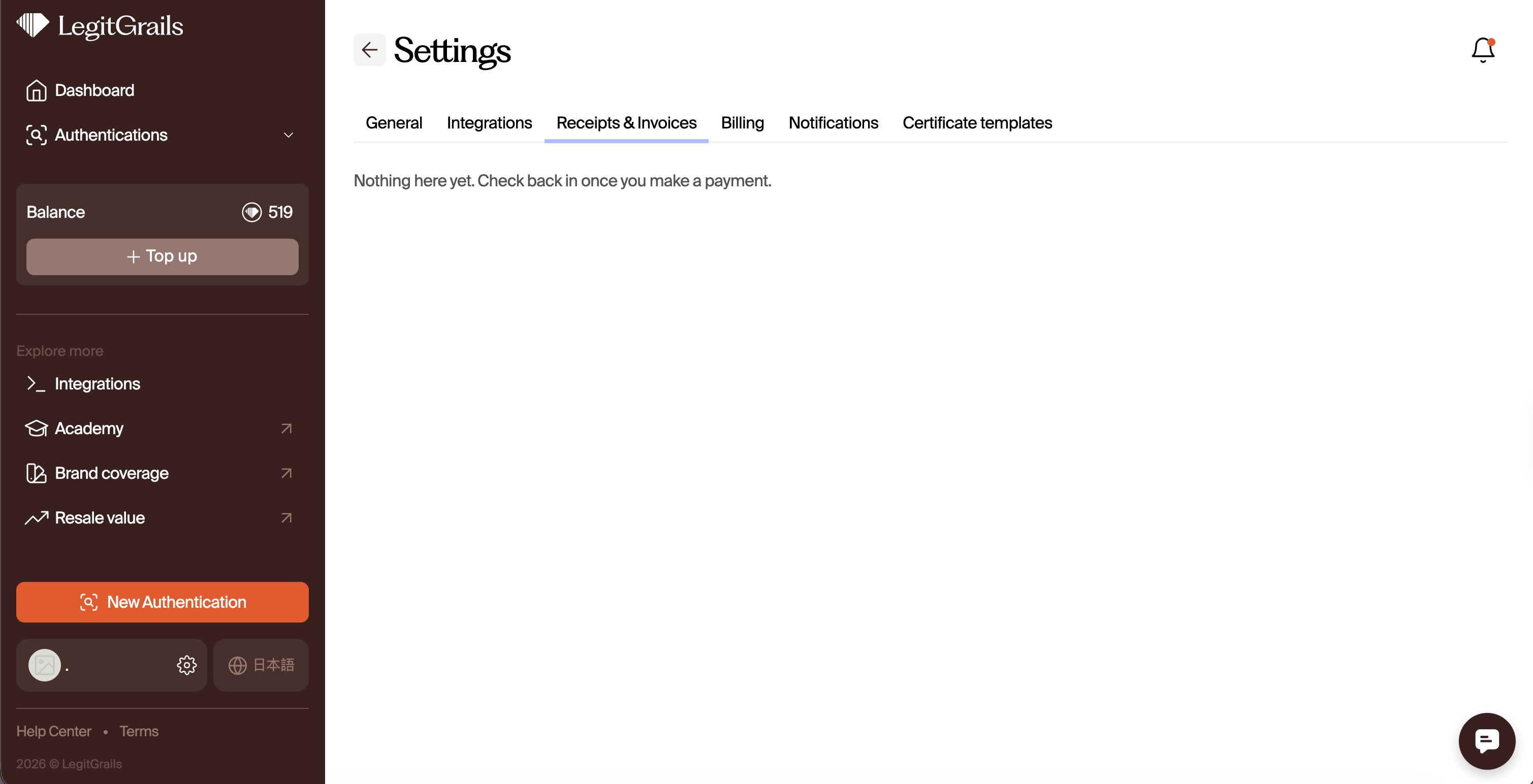
Receipts & Invoices
Any invoices generated for your previous orders/credit purchases will be available in this section.
Billing
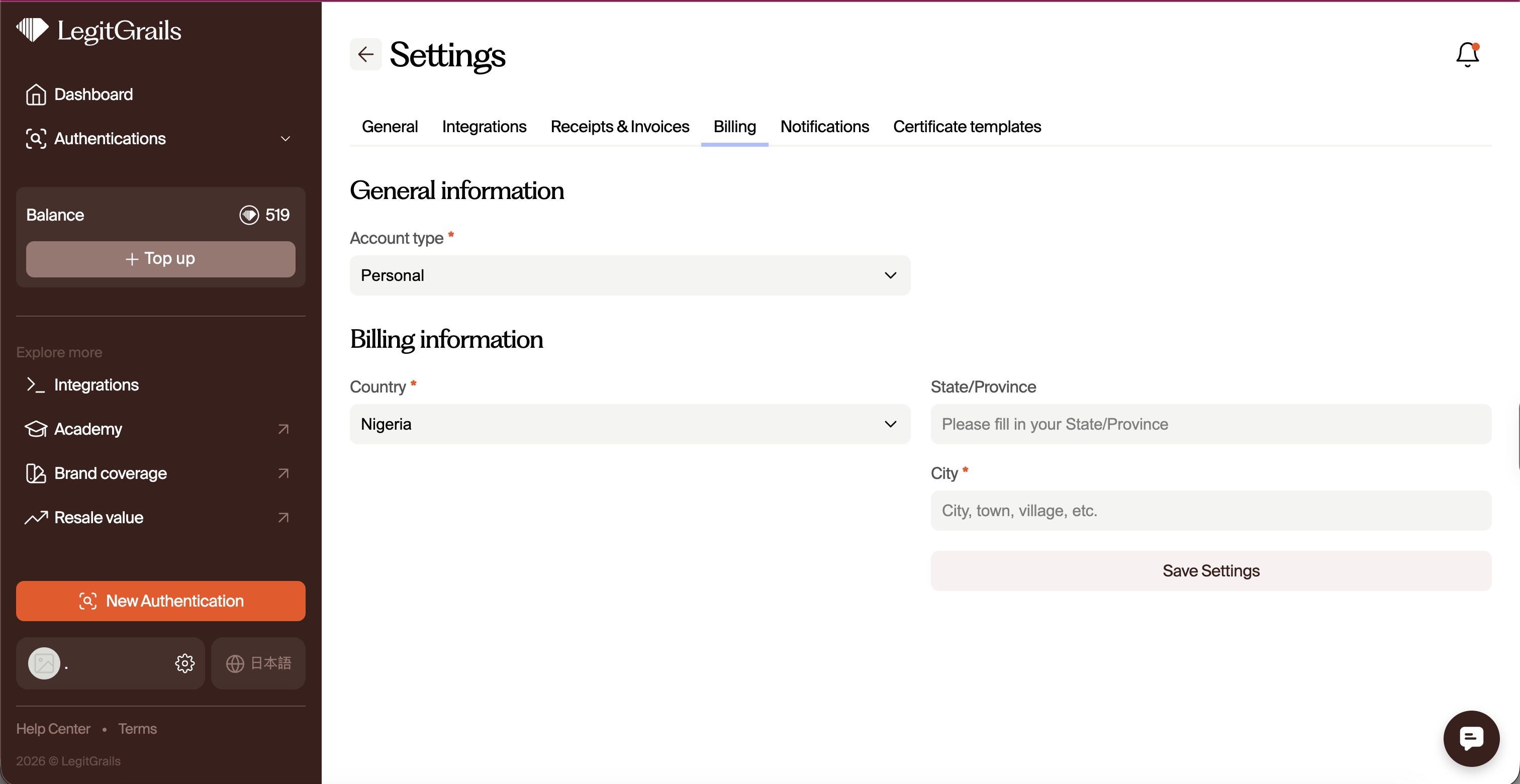
In this section, you can:
Choose the type of your account (personal or business)
Add a billing address according to the account type
For more information on the difference between personal and business accounts, please refer to this article.
Notifications
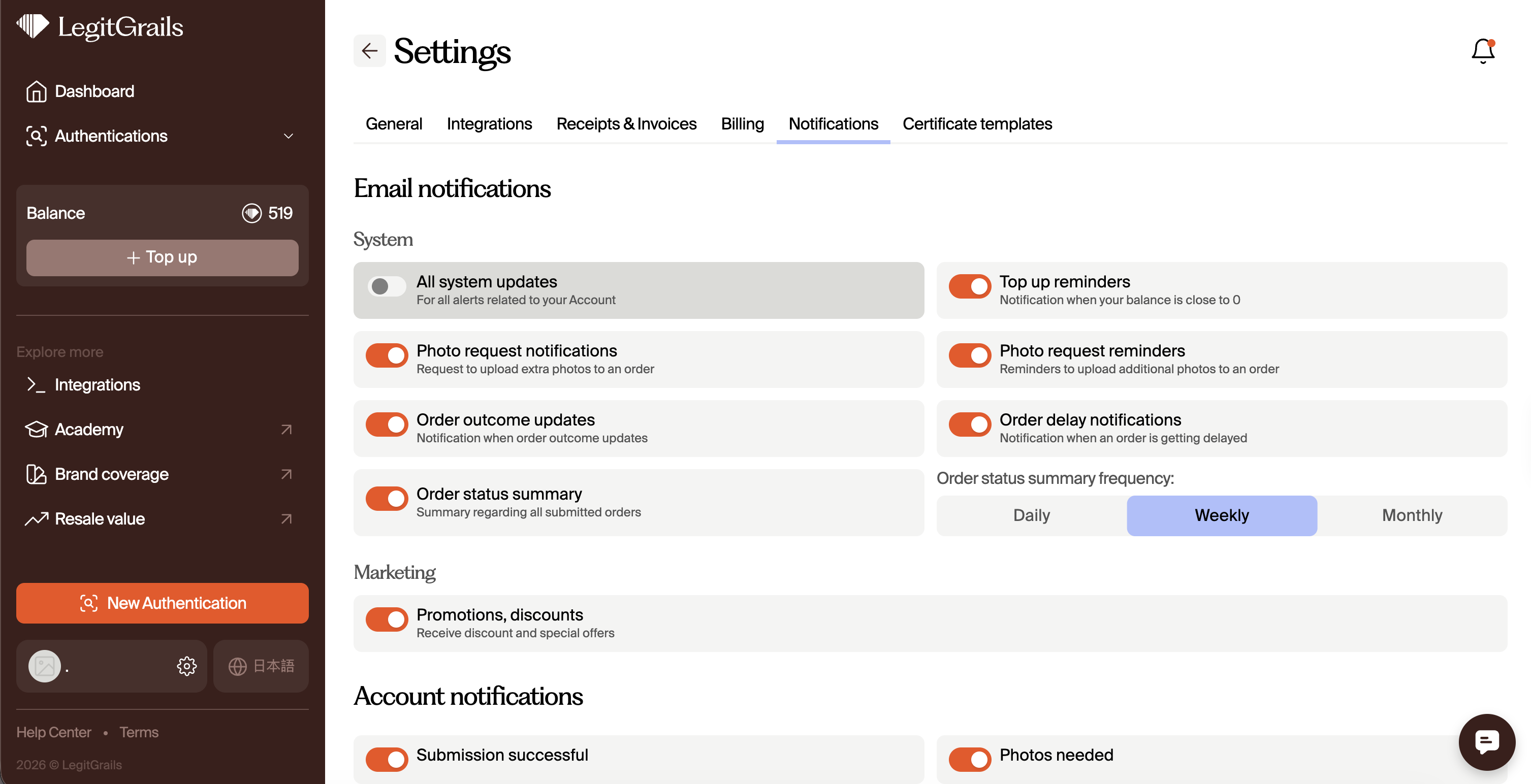
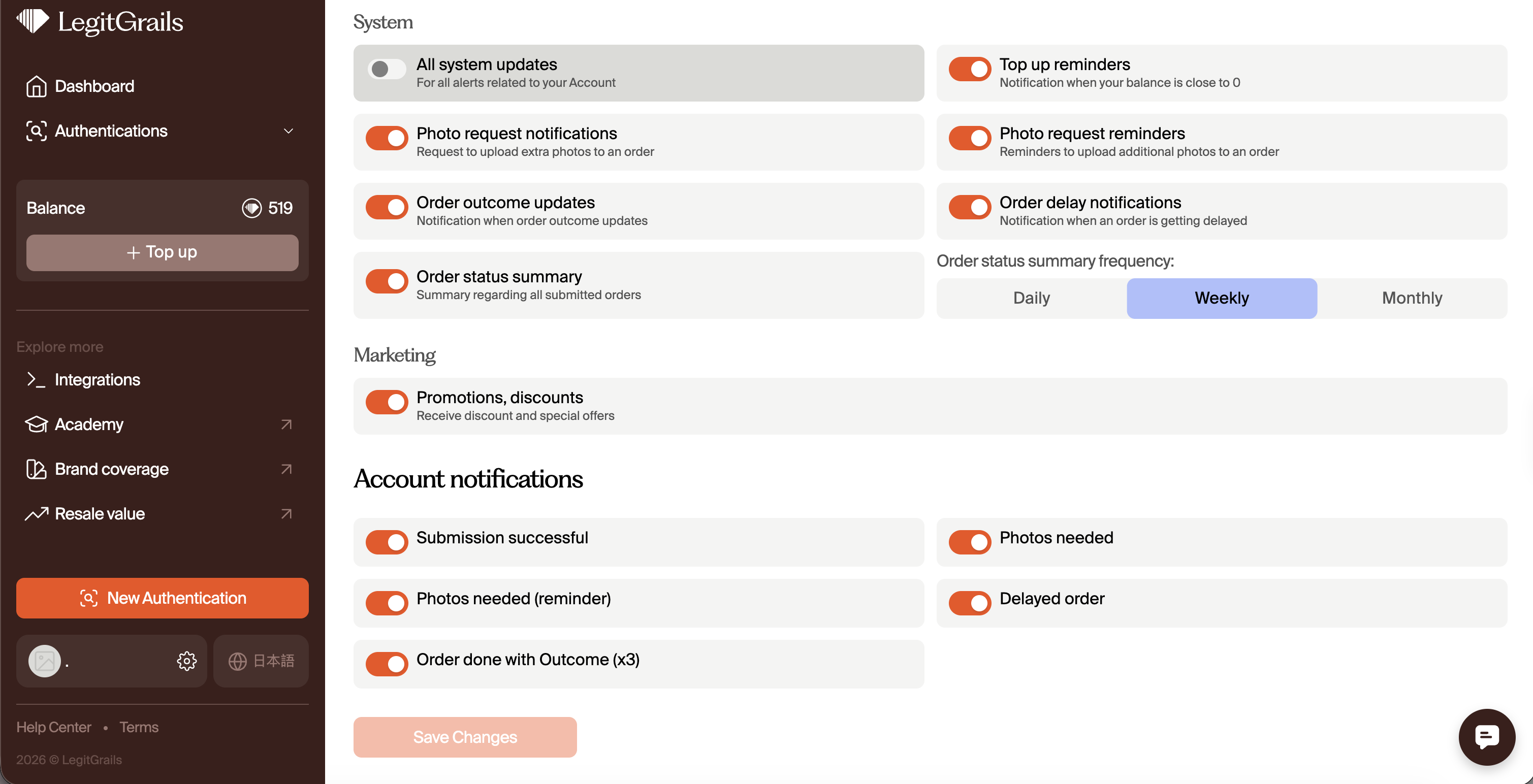
By default, all available notifications (via email or our platform) are activated, including a weekly summary for all submitted orders. You can adjust these notifications according to your preferences. Ensure to "save changes' once your done.
Certificate Templates
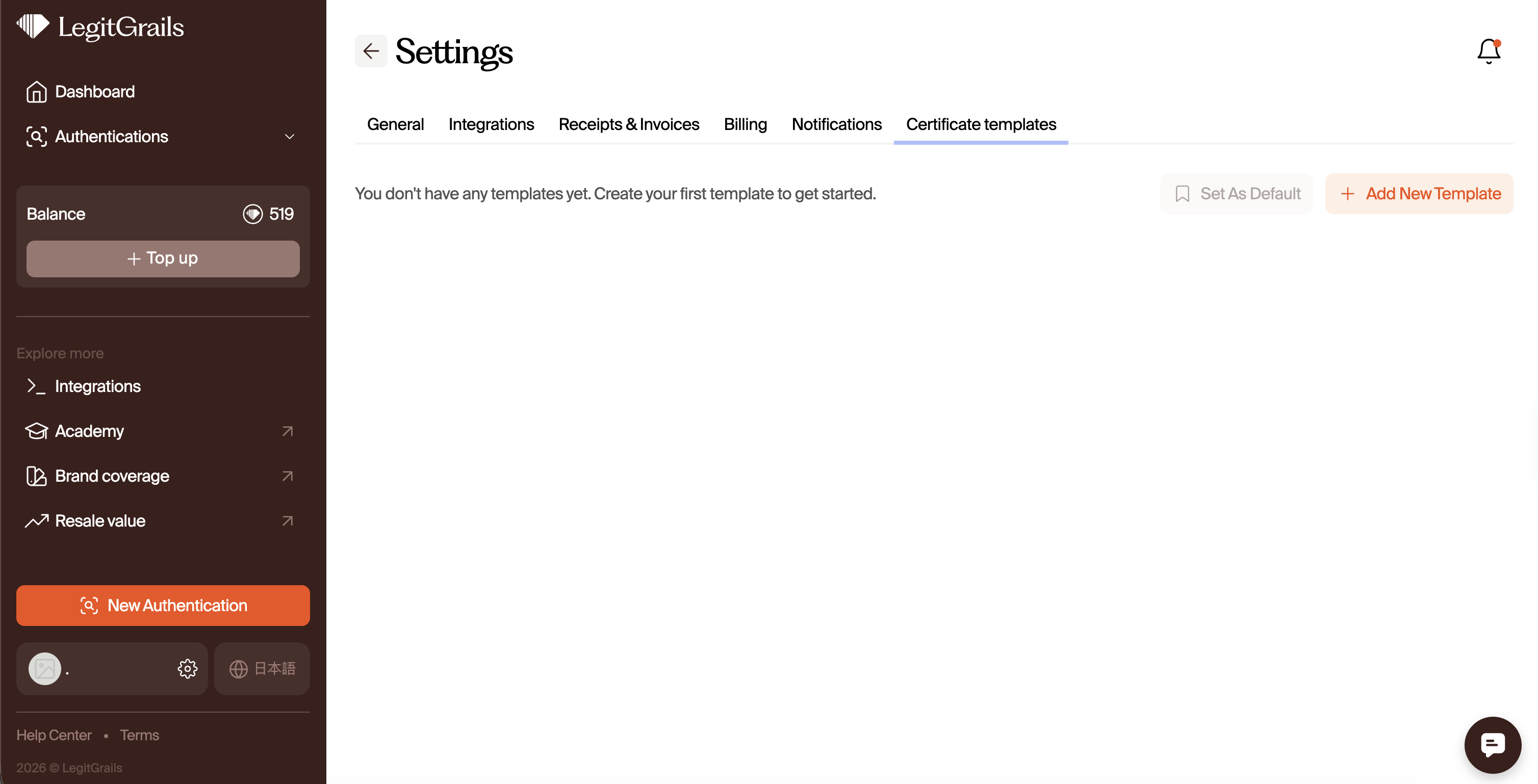
In the Certificate section, you can customize your certificate layout and set a template for future use. Kindly check out this article on how to create a custom certificate.
By following all of the above steps, you can easily manage and customize your account settings to fit your needs. If you have any questions, feel free to reach out to our support team.